
A QR code for wedding pictures
One scan and every guest can add their photos and videos to your wedding gallery. No app, no accounts, no chasing people afterwards.
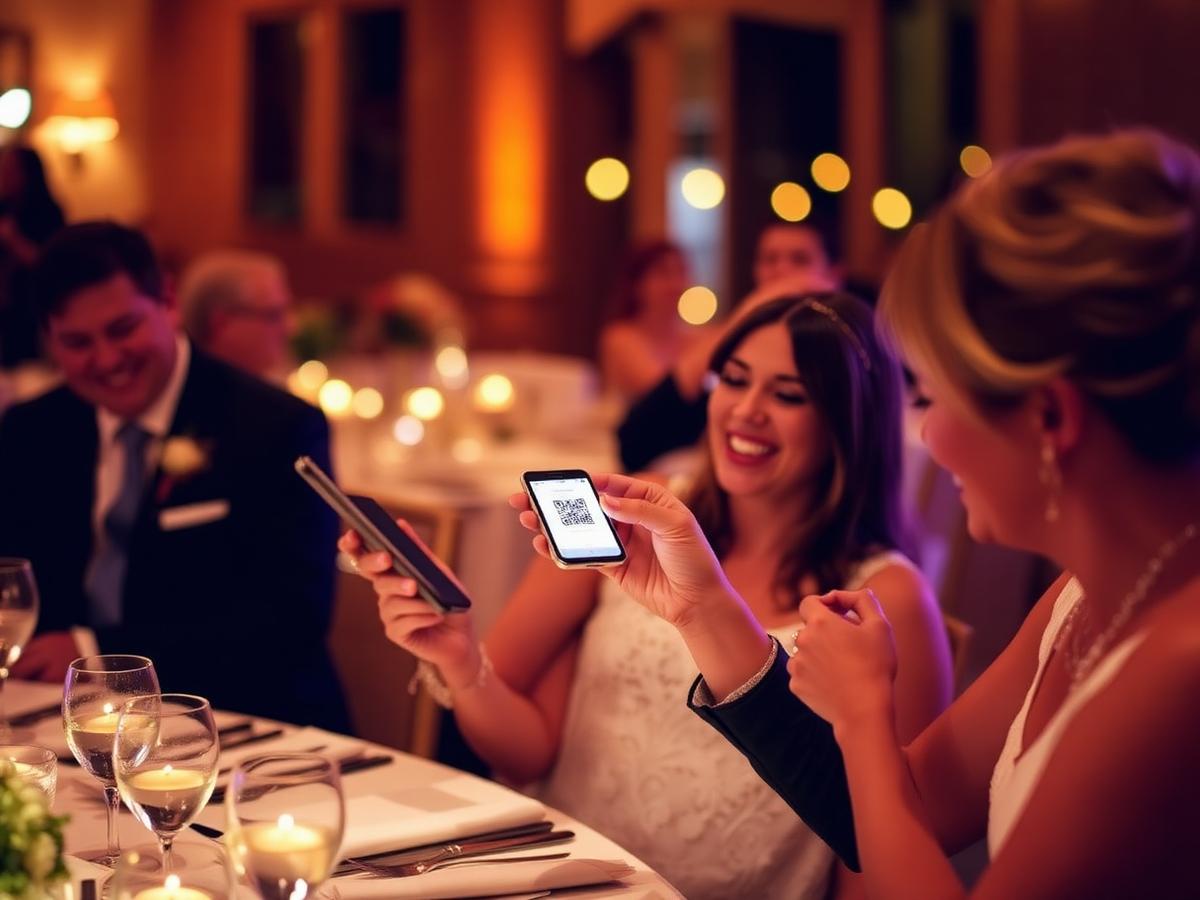
How the wedding QR code works
Print your wedding QR cards
Every event gets a printable A4 card and a short link. Personalise the headline and message on the Disposable and Ultimate plans, then pop one on each table, on the order of service, or by the guest book.
Guests scan with their phone camera
The gallery opens in the browser — no app download, no sign-up. Guests type their first name, take a photo live at the reception or pick photos and videos from their camera roll, and add a message.
Watch the wedding gallery fill up live
Photos appear in one shared gallery as the day happens. Put it on a screen during the reception and guests upload even more. You can hide anything you'd rather not keep.
Download every wedding picture
When the confetti has settled, download the whole collection in full quality in one go — the getting-ready shots, the dance floor, the bits your photographer never saw.
Why couples use a photo QR code
The photos your photographer misses
Your photographer captures the day beautifully — guests capture the in-between: the taxi singalong, the speech reactions, the 1am dance floor.
No chasing people afterwards
No group chats, no 'can you AirDrop me that one?'. Everything lands in one gallery on the night instead of trickling in for a month.
Works for every guest
If your gran can point her camera at a QR code, she can join in. Nothing to install, nothing to remember, nothing to log into.
Wedding QR code questions
- How does a QR code for wedding pictures work?
- You create your wedding event in EverySnap and get a unique QR code and short link. Guests scan the code with their phone camera, the gallery opens in the browser, and anything they upload appears in your shared album straight away.
- Do guests need an app or an account?
- No. Guests just enter a first name so you know who sent what. There's nothing to download and no sign-up.
- Can guests upload videos too?
- Yes — short videos are included from the Party plan upwards, alongside photos.
- Where should we put the wedding QR code?
- Table cards work best, plus one at the bar, one by the guest book and one on the order of service. Sharing the link again the morning after usually brings in the best late photos.